
Workspace
The tools on the activity bar and the content each one owns.
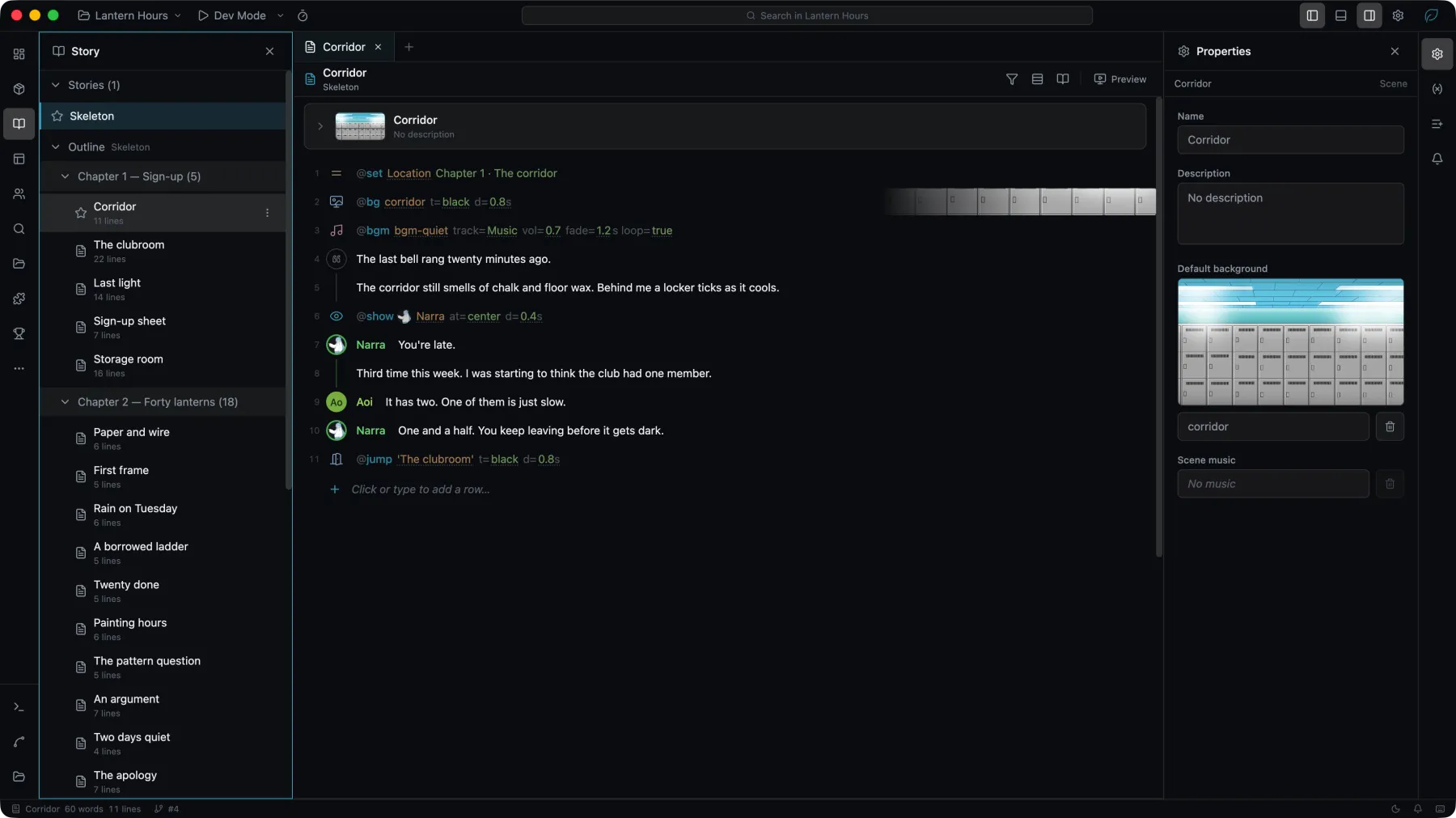
The workspace is where a project is edited. Each entry on the left activity bar opens one tool in the left sidebar, and the content it manages opens as tabs in the center. For the layout itself — sidebars, Properties panel, bottom bar, and tabs — see Workspace Overview.
| Tool | Owns |
|---|---|
| Project | Metadata, icons, dependencies, and project settings |
| Story | Stories, chapters, scenes, and the lines inside them |
| UI | Pages, Game UI, and the component library |
| Characters | Characters, their groups, and their sprites or models |
| Assets | Images, audio, video, data, fonts, and models |
| Localization | Languages, translation, and review state |
Two project settings — network policy and asset protection — are described in Security.