
Characters
Create characters, choose how they are drawn, and organize them into groups.
The Characters panel holds the cast of a project. Characters can be placed in groups, tagged, and searched by name.
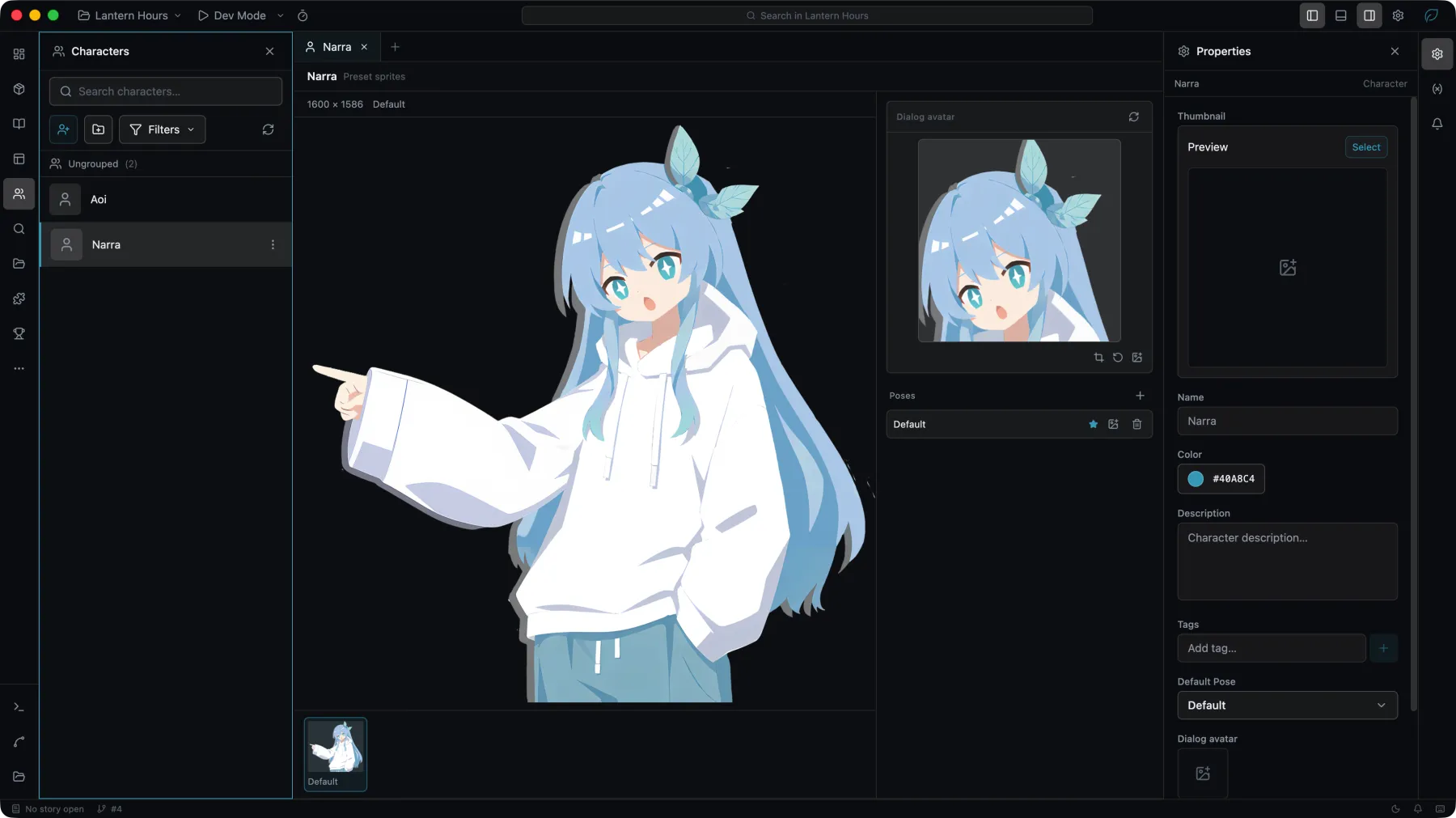
Kinds
The kind is chosen when the character is created. The kinds share no data, and switching discards what the previous one held.
| Kind | Drawn from |
|---|---|
| Preset sprites | One finished image per named pose. A single-image character is one pose. |
| Layered sprite | Layers composited at run time and switched by tag, so one pose can move several layers at once. |
| Live2D Cubism / Spine / Custom runtime | A rigged model drawn by a runtime supplied with the project. See Model Runtimes. |
Preset and layered sprites
A preset character is a flat list of named poses, each backed by one image asset. The story addresses a pose by its name.
A layered character stacks image layers on a shared canvas. Layers are grouped on axes, and a pose selects one option per axis, so a single pose can change several layers together.
Runtime-drawn characters
A model character needs two things: a drawing runtime, and a model to draw. With both set, Studio reads the model and fills in the motions, expressions, and skins it offers, which the story then addresses by name. The entry, size, and starting state are set in the editor.
Runtimes are not bundled with Studio. See Model Runtimes for what to install and under which terms.
Groups and deletion
Groups are for organizing the panel and do not affect the game. A character can be moved between groups or left ungrouped.
Deleting a character is recorded in the workspace history and can be undone. Until it is restored, story lines that name that character stop resolving.