
Installation
Download and install NarraLeaf Studio for Windows or macOS.
Windows x64 · Windows 10+ | |
macOS Apple Silicon · macOS 11+ |
Download links point at the current release. Earlier versions are on the releases page.
Requirements
| Platform | Minimum version | Architecture |
|---|---|---|
| Windows | Windows 10 | x64 |
| macOS | macOS 11 | Apple Silicon |
Studio does not run on an Intel Mac. Intel Mac remains available as a build target — see Run and Package.
Install
Windows — run the .exe installer. It installs for the current user by default, without an administrator prompt. The wizard can also change the install directory, or install for all users, which requires administrator approval.
macOS — open the .dmg and drag NarraLeaf Studio into Applications.
Studio is not code-signed, and the first launch has to be allowed manually. On Windows, select More info → Run anyway. On macOS, select Open Anyway under System Settings → Privacy & Security, or remove the quarantine attribute:
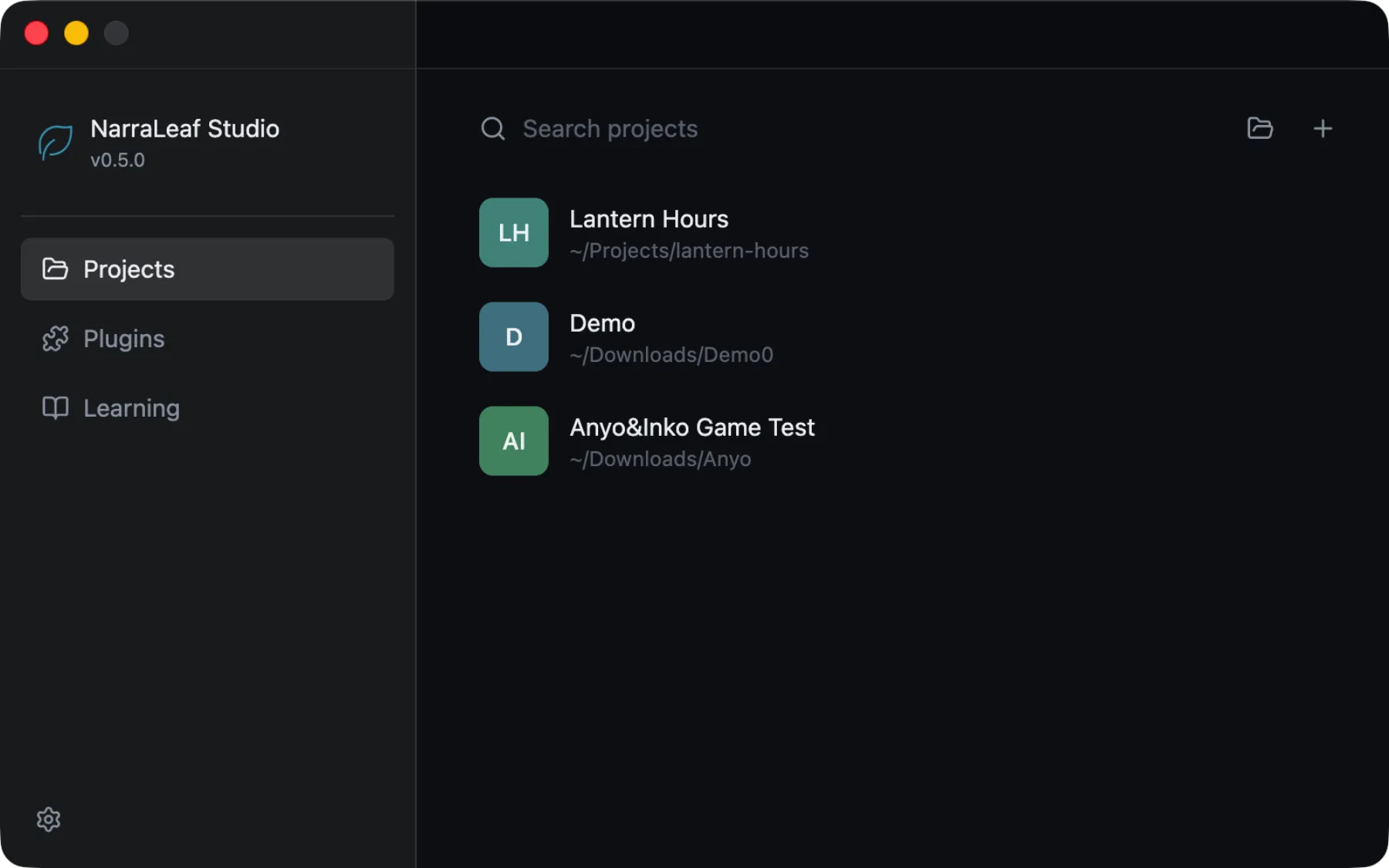
xattr -dr com.apple.quarantine "/Applications/NarraLeaf Studio.app"The first launch opens the launcher, which is where projects and plugins are managed.
Updating
Studio checks for a newer release shortly after launch and every few hours while it runs, and reports the result under Settings → General → Updates. To stop the checks, turn off Check for updates automatically. Update download source sets where new versions are downloaded from: Automatic compares GitHub and GitCode and uses the faster one.
Windows — Studio downloads a new version and prepares it in the background, and the update button in the workspace title bar shows how far it has got. Restarting Studio applies the update. To download each version yourself from the Updates panel instead, turn off Download updates automatically.
macOS — Studio reports the new version only. Download the current .dmg and replace the app in Applications.
Upgrading to 1.4.0
Studio 1.4.0 keeps a project's interface in version 14 of the format, which adds page params. The first time it opens a project made by an earlier version, it upgrades editor/ui/uidoc.json, and Studio 1.3.x and earlier refuse to open the project from then on, so every computer that opens it needs 1.4.0 or later. The upgrade leaves the pages as they were and only records the new version in the file.
Upgrading to 1.3.0
Studio 1.3.0 keeps a project's interface in a newer format, version 13. The first time it opens a project made by an earlier version, it upgrades editor/ui/uidoc.json, and Studio 1.2.x and earlier refuse to open the project from then on, so every computer that opens it needs 1.3.0 or later. What the upgrade changes is described under Interface text.