
Localization
Declare the game's languages, translate its text, and exchange files with translators.
The Localization panel holds the languages of the game itself, not the language Studio is displayed in.
One language is the source: the language the story is written in. Every other language is translated against it.
Languages
Add a language by its code (en, ja, zh-CN) and a display name shown to players. Any language in the list can be made the source.
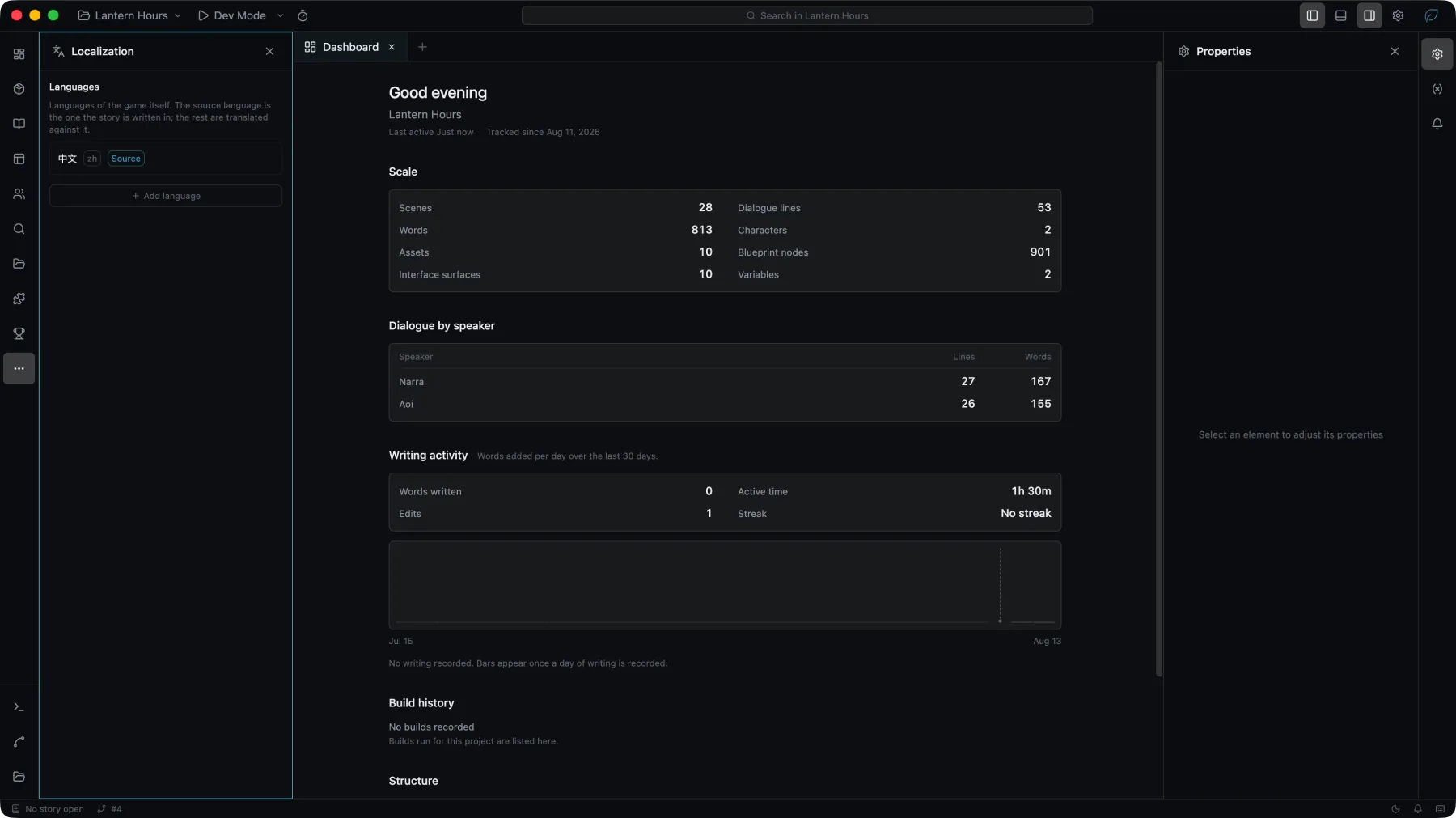
Removing a language takes it out of the game. Its translations stay on disk and return if the language is added again.
Each language has a fallback language. An entry with no translation falls back to that language, and then to the source, so a partly translated language still renders. Studio rejects a fallback that leads back to the language itself.
Changing language during a game
A game changes its language through the Set Language node, usually on a settings screen the player opens. On a title screen the new language applies at once. What happens when the player changes language during a game is set under Project → Game → Language, in Changing language during a game:
| Option | What the player gets |
|---|---|
| Restart and continue where they were | The default. The game restarts and returns to the line the player was on, with everything in the new language. |
| Restart without keeping the playthrough | The game restarts as it launches, on its title screen. The running playthrough is not kept; the player's saves are. |
| Apply the next time the game is started | Nothing in the current session changes, interface text included. The game starts in the new language the next time it is launched. |
Translating
The translation table lists the project's source text beside its translations, and reports progress per language: how many entries are translated, and how many were translated before the source text changed and are waiting for review.
Interface text
The words on a page come from one source each, chosen above them in Properties: Direct, written on the widget; Translation key, the words of one of the project's keys; or Blueprint Value, computed while the game runs. A Text's content and a Button's label offer all three, and a Text Input's placeholder offers the first two. The words are stored once, and the canvas, the game, the translation table, export, the project checks and search all read the same source.
Choose Interface text under Source in the translation table to translate them. The rows are grouped by page and component, then by plugin, then under Translation keys.
- Words written directly are translated whenever the project has a second language. Each widget's own words have a row, except words made only of digits and symbols, and sample text. There is no per-widget switch.
- A translation key is words shared by every widget that names it, and it is translated once. A widget shows its key's words whether or not the project has a source language, and a key the project does not have shows its name.
- Removing a key turns the widgets that use it into widgets holding the key's words and translations as their own, written directly. The same happens to widgets pasted or imported from elsewhere that name a key this project does not have.
- Sample text is the widget's own words under a binding: a Blueprint Value, a field of a list row, a Text parameter of a component, or a Text param of the page. It is drawn in the editor only, is not part of the built game, and is not translated.
- Default value is what Properties calls a widget's own words when a blueprint writes over them while the game runs, with
Set Text,Clear TextorSet Label. They are built and translated like any other words, and the game shows them in the player's language until the first write. Written in the game by under the words lists those blueprints. - Words a blueprint writes while the game runs show as written in every language, ahead of a translation key and a Blueprint Value, until the page is opened again.
- Copies keep their translations. A copied or duplicated widget whose words are written directly carries the translations of those words, also when it is pasted into another project, for the languages that project has.
- A new widget's words are in the project's source language.
- Search finds interface text in the source language, and a result opens its page or component with the widget selected.
- Plugins offer the words they put in front of the player, such as Menu Bar labels and Gallery names. They are listed under the plugin's name, and the game shows the words as written until they are translated.
The Missing glyphs project check reads each widget in the font of each of its states, and names the state when only that state's font lacks a character.
A component's Text parameter is translated per placement: words written directly on a placement have a row of their own.
A page's Text param is translated where its words are written. Its default has one row under the page, however many widgets show it, and words a Page widget gives for it have a row under that widget. Words a node gives when it opens the page are shown as given; give the node its words from Translation Key Text to show them in the player's language.
Projects from earlier versions
The first time Studio 1.3.0 opens a project made by an earlier version, it upgrades the project's interface text to this model. Where that changes the source of a widget's words, Studio says so once, listing those widgets, each with a Locate button that selects it. Earlier versions of Studio cannot open the project afterwards; see Upgrading to 1.3.0.
Exchange
Translations can be exported for an outside translator and imported again.
| Format | Used by |
|---|---|
| CSV | Excel, Google Sheets |
| XLIFF 1.2 | Trados, memoQ, OmegaT |
| gettext PO | Poedit, Weblate, Crowdin |
| JSON | Scripts and custom pipelines |
In an exported file, each translation key's row names the pages and components that use the key, as its context.
An import reports what it applied: the entries it changed, the ones already identical, the ones whose key the project does not have, and the empty ones it skipped.