
Blueprint
The visual programming layer — what a blueprint is, where one lives, and what it is allowed to do.
A blueprint is a visual program: nodes joined by edges, executed by the game runtime. Blueprints are how a project gets behaviour without code — a button that opens a screen, a menu that lists saves, a title screen that knows whether there is anything to continue.
A blueprint is not the only way to fill a slot. A slot holds a list of layers, and a layer can be a script instead — a TypeScript file the project owns, edited outside Studio. Every layer runs, so a script can sit beside a graph in the same slot. Scripts covers where those files live and how one is entered.
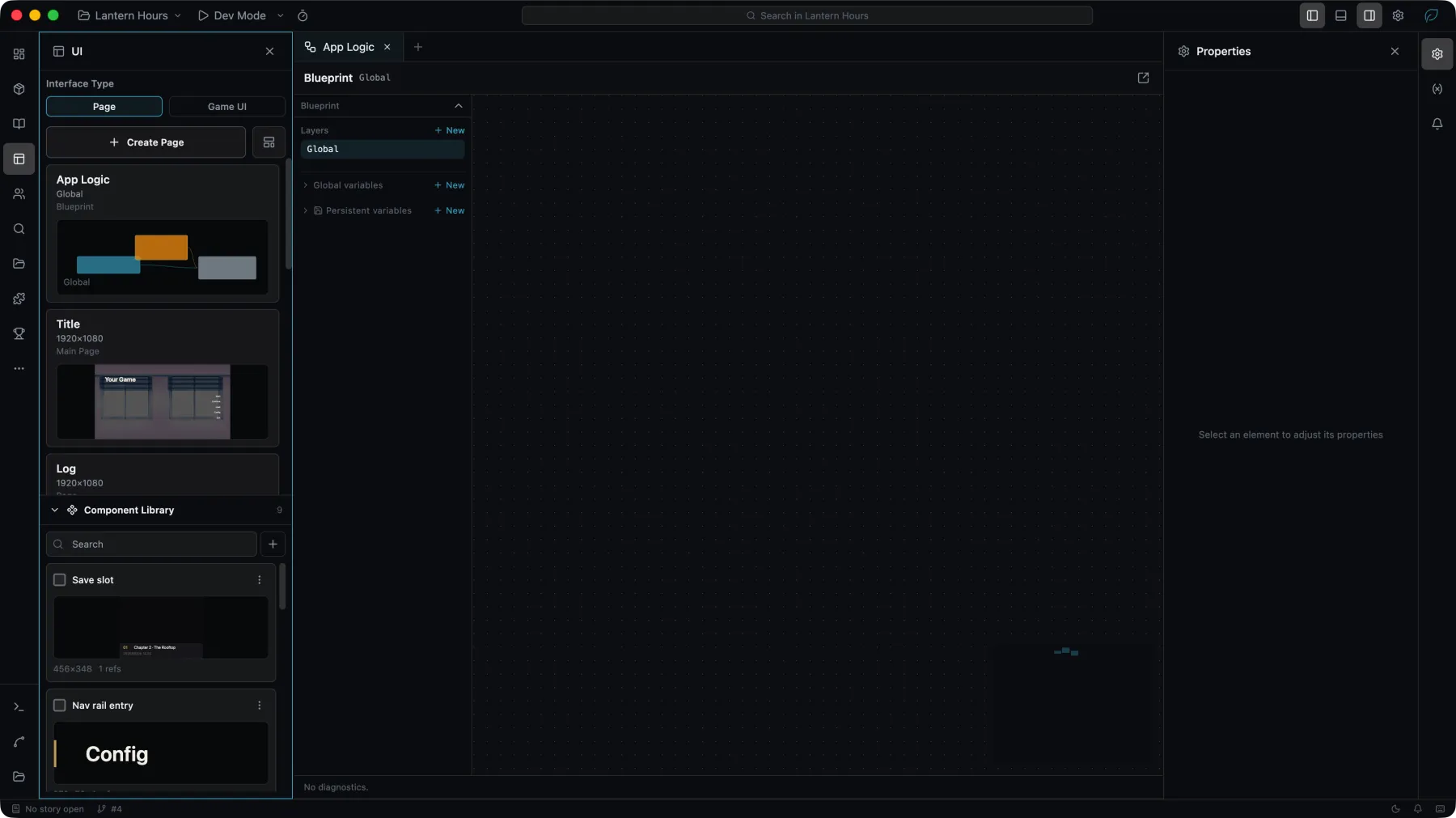
Every blueprint answers one question before you place a single node: who owns it. The answer decides which nodes the palette will offer you.
Owners
The owner is where a blueprint lives. It decides the blueprint's lifetime and what it can reach.
| Owner | Belongs to | Lives as long as |
|---|---|---|
globalMain | the project, listed in the UI panel as App logic, which earlier versions called the global blueprint | the application |
surfaceMain | one Surface | that Surface's instance |
widgetMain | one widget instance | that widget instance |
widgetValue | one property of one widget | the binding that owns it |
componentWidgetMain | a reusable component widget | each instance of the component |
storyAction | one story blueprint, in action, value or condition mode | the row that calls it |
A widgetMain blueprint acts on its own widget through Self nodes, which take no Element input. To act on a different widget you wire an Element reference into an Element node. That split runs through the whole node catalog, and it is the first thing to understand about the palette.
Blueprint Value
A Blueprint Value is a widgetValue blueprint bound to one property, so the property is computed instead of authored. The current targets are nl.text → props.text, nl.button → props.label, nl.image → props.imageFill.assetId, nl.switch → props.checked, nl.frame → props.params, and nl.slider → props.value.
Its palette is deliberately narrow: the Init and On Flush heads, non-latent flow, pure Data and Math, local variable access, Element literals, and pure reads. No mutations, no navigation, no persistent variables, and no latent nodes (anything that suspends the graph, such as Delay or a save write) other than Call Fn. A value provider that could change the world would re-enter itself the moment the world changed.
For words in the player's language, Translation Key Text gives a translation key's words and Format fills values into them. A Blueprint Value that reads the player's language updates when the player switches language, whether it reads it through Translation Key Text or a per-language asset, or through Get Text, Get Current Language or Get Save Metadata in a function it calls.
While a Text's content or a Button's label is bound, the widget's own words are sample text: drawn in the editor only, not built into the game and not translated. See Interface text.
The editor canvas is a layout tool. It resolves enough of a blueprint to preview a value binding, but it runs no game — nodes that need a running playthrough have nothing to talk to there. Verify blueprint behaviour in Dev Mode.
Where to go next
Variables
Scopes, lifetimes, and what survives a save.
Surfaces
Screens, the navigation stack, and the game stage.
Asset names
Which asset names a game package carries.
Nodes
Every node, by category, with its signature.
To ship your own nodes instead of using the built-in ones, see blueprintNodes in the plugin API.